
Most of what we spend goes on a card, so it ends up on a statement whether we track it or not. Cash doesn’t work that way. You pay for a plate at a food stall, feed the parking meter, or leave a tip, and the money’s gone with no record anywhere unless you make one.
That’s why cash tends to disappear from a budget. In our guide on how to track expenses without linking your bank, we showed how one ATM withdrawal ends up split across several categories. Here we go a step further: how we plan for cash, track it next to our cards, and check it once a week.
Decide how much cash your plan needs
We plan before we track (here’s why: Needs vs Wants: Plan Where Your Money Should Go Before You Track It). So the first step happens before you go anywhere near an ATM.
Look at what you actually pay for in cash. For us it’s food stalls, parking and tips. Everyone’s list is different, but it’s usually short.
Then remember one thing: cash isn’t a category. It’s a way to pay. A food stall lunch belongs in Food, whether you paid with cash or a card. Parking belongs in Transportation. So you don’t need a “Cash” line in your plan. You just need to know which categories get paid partly in cash, so you can take out about the right amount.
A made-up example: if you expect about $60 of food stall meals, $25 of parking and $20 of tips in a month, that’s roughly $105 of cash for the month.
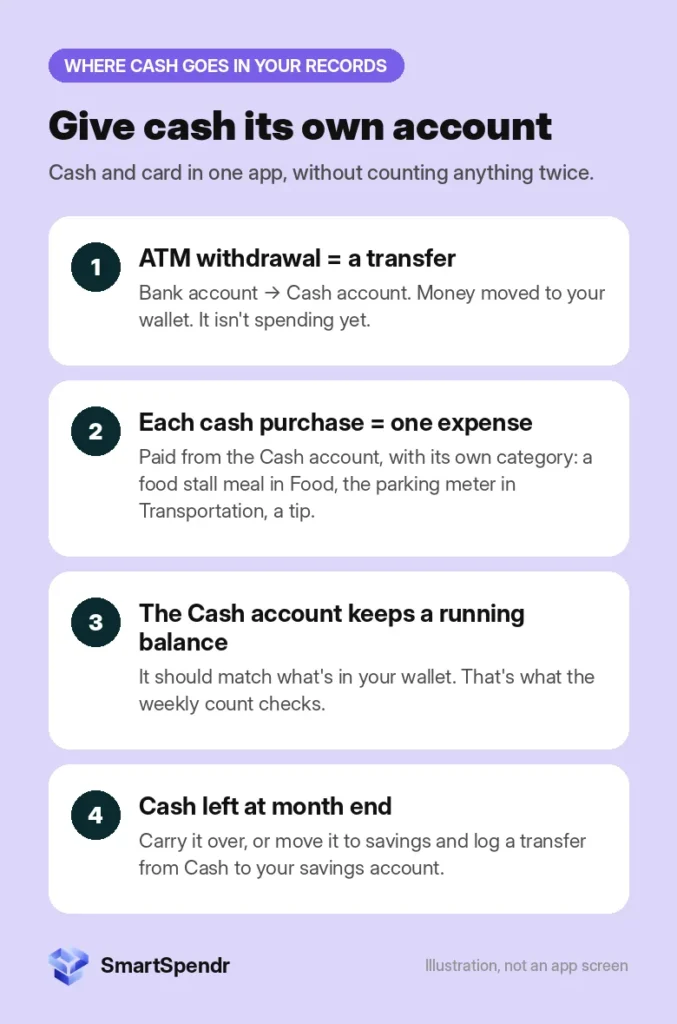
Give cash its own account
In SmartSpendr, we keep a separate account called Cash, alongside our bank and card accounts. It shows a running balance, so it works like a picture of your wallet on your phone.
Log the ATM withdrawal as a transfer
When you take $120 out of an ATM, you haven’t spent anything yet. The money moved from your bank account to your wallet. So we log it as a transfer from the bank account to Cash, not as an expense. Your spending total stays the same, and the Cash balance goes up by $120.
This matters because the spending happens later, one purchase at a time. If you logged the withdrawal as an expense and then logged each purchase too, you’d count the same money twice.
One record per cash purchase
Each cash purchase gets its own record: an expense paid from the Cash account, in its real category. Not one big “cash, $40” entry at the end of the week, because that tells you nothing about where the money went.
We log ours at night. Before bed, we go back through the day and add each cash purchase: the food stall, the parking, the tip. With Quick Add, it takes about 5 seconds each: amount, category, and the Cash account. If you’d rather log at the till, that works too. Pick whichever you’ll actually do every day.
Want to try it with your own cash? SmartSpendr is free on iOS and Android.
The weekly cash count
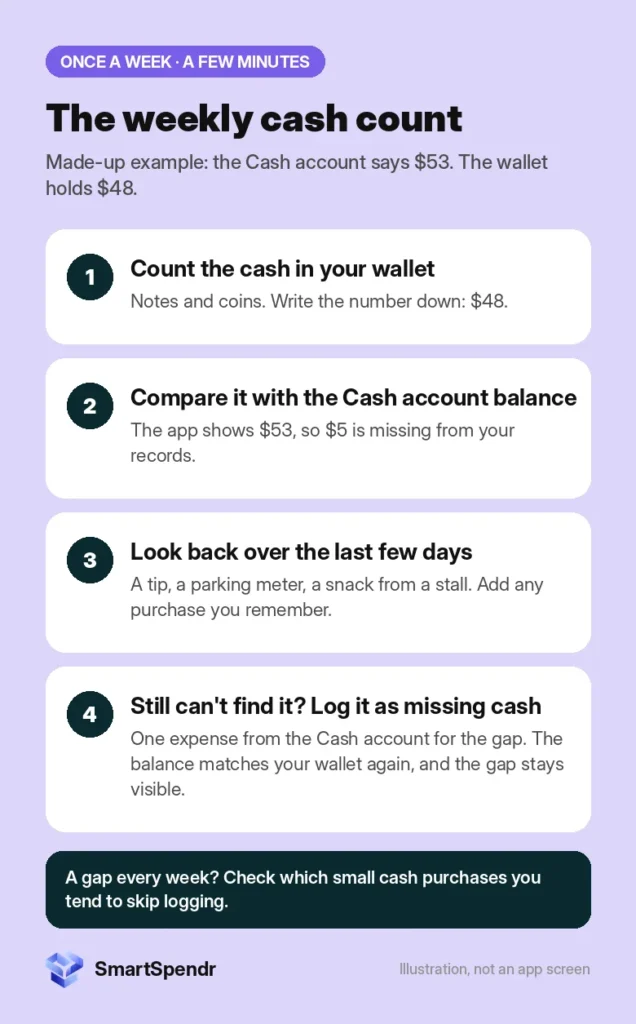
Once a week, take the cash out of your wallet and count it. Then compare that number with the Cash account’s balance in the app. It only takes a few minutes.
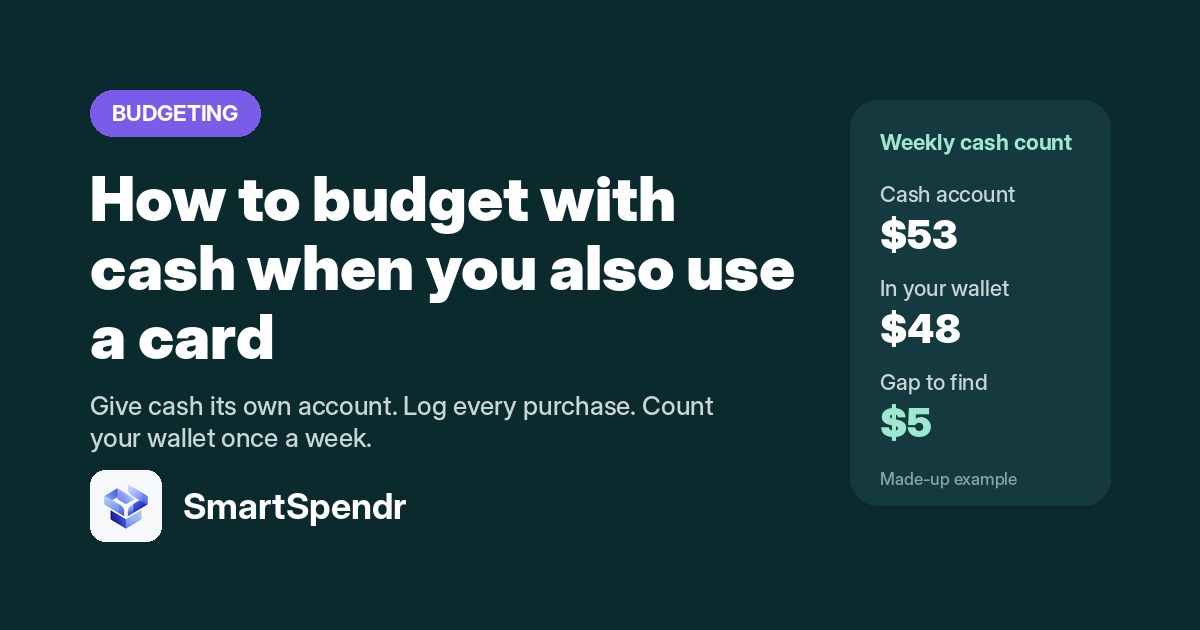
A made-up example: the Cash account says $53, but the wallet holds $48. That’s a $5 gap.
If the numbers don’t match
First, look back over the last few days. A gap usually means a purchase didn’t get logged: a tip, a parking meter, a snack from a stall. Add anything you remember.
If you still can’t find where it went, we record the gap as a missing amount: one expense from the Cash account, noted as missing cash. That brings the balance back in line with your wallet, and the gap stays visible in your records instead of quietly throwing off every week after it. If you see a missing amount most weeks, that’s a hint that some small cash purchases aren’t making it into your records.
Envelopes, without the envelopes
The envelope method puts cash for each category into its own labeled envelope. The idea behind it is good: every category has a limit you can see.
You can get the same thing without stuffing envelopes. In SmartSpendr, you can set a budget for each category on the free plan. Because budgets are set by category, not by account, a cash lunch at a food stall and a card payment at a restaurant both count against the same Food budget. The category chart then shows each category’s share of your total spending, with cash and card in one picture.
What to do with cash left over
Some months there’s cash left in your wallet at the end. We do one of two things with it:
- Carry it over. It stays in the Cash account balance, and next month you withdraw a little less.
- Move it to savings. Deposit it, and log a transfer from Cash to your savings account so the Cash balance still matches your wallet.
Either way, leftover cash isn’t spending, so it doesn’t belong in an expense category.
Your cash plan for next month
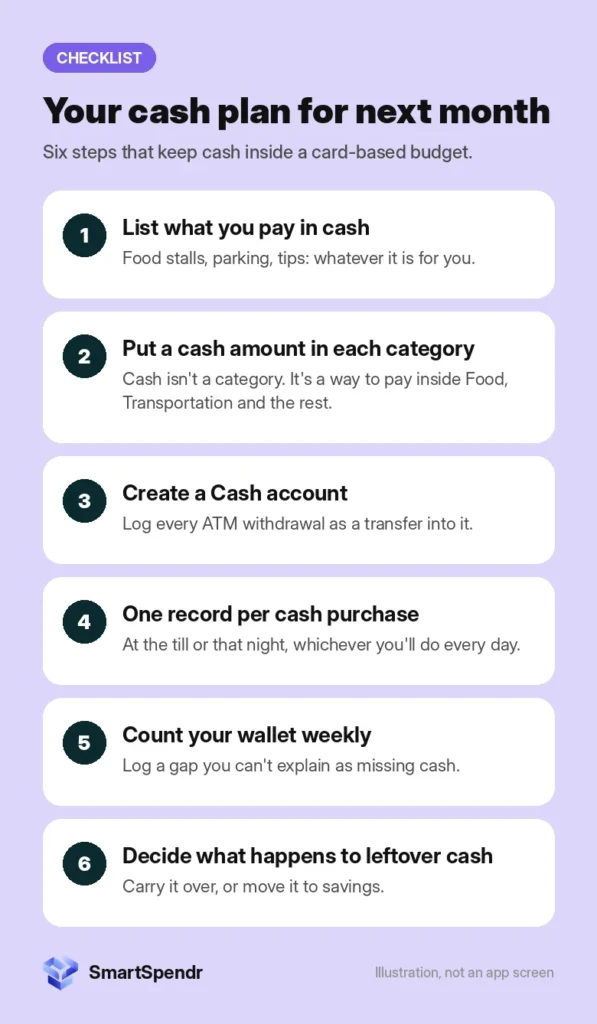
- List what you pay for in cash, and estimate how much each category needs.
- Create a Cash account next to your bank and card accounts.
- Log every ATM withdrawal as a transfer into Cash.
- Log one record per cash purchase, at the till or that night.
- Count your wallet once a week, and log any gap you can’t explain as missing cash.
- At month end, carry leftover cash over or move it to savings.
SmartSpendr is free on iOS and Android. Add a Cash account, log a cash purchase in about 5 seconds, set a budget for each category, and see cash and card spending together in one chart. Get SmartSpendr at smartspendr.app.
This post is for education only and isn’t financial advice.